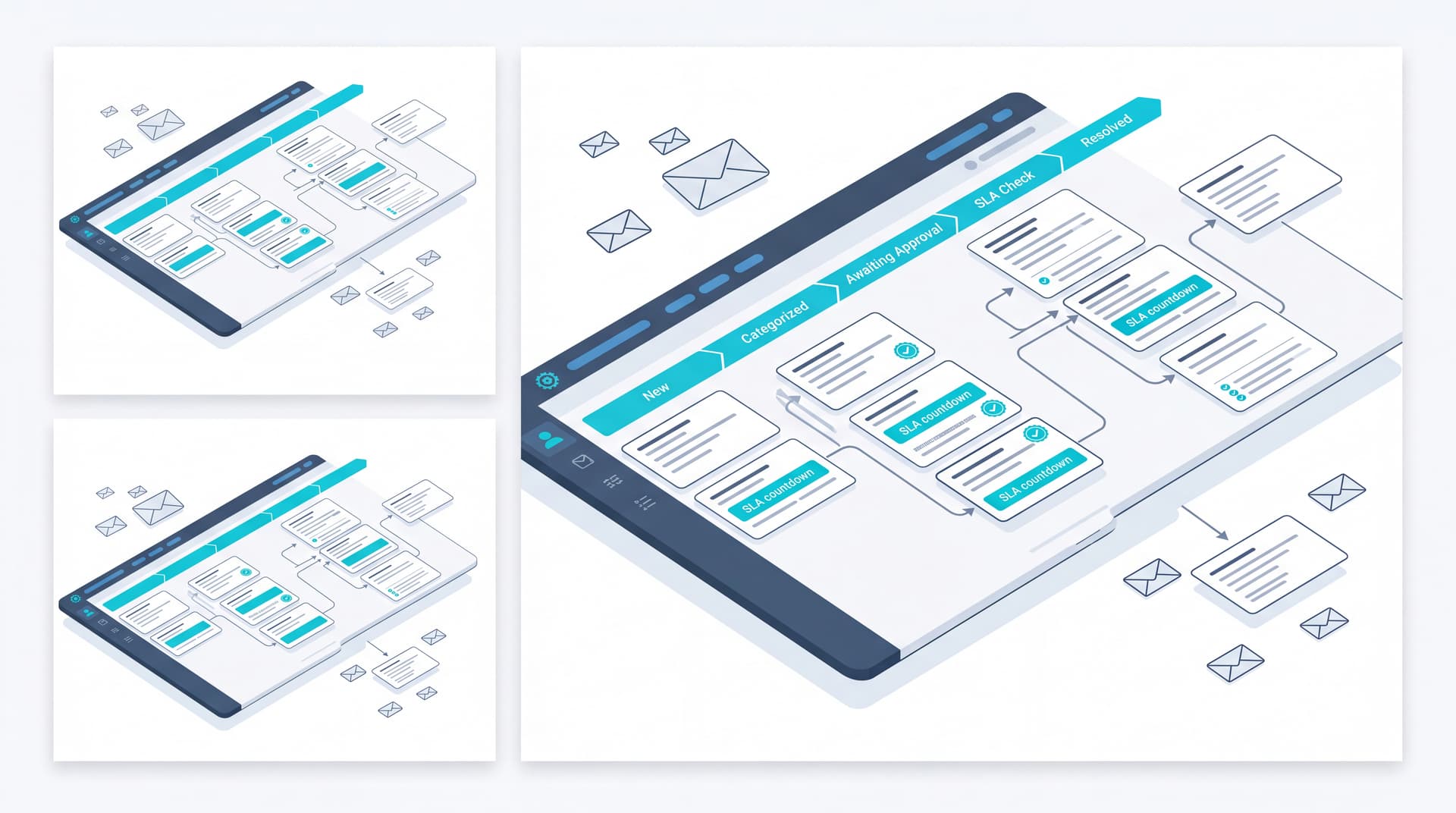
Modernizing Service Delivery with Workspace Tickets
Managing service desk operations through unstructured email chains creates significant operational friction. Without centralized tracking, tickets lack clear ownership, response time tracking becomes impossible, and client approvals stall critical workflows. The Bitscaled Workspace Support & Tickets module transforms unstructured service requests into transparent, audit-ready workflows.
Automated Ticket Categorization
Incoming requests require rapid triage to ensure they reach the appropriate technical resources immediately. Workspace Tickets applies standardized classification schemas upon intake:
- Impact and Urgency Mapping: Requests are automatically prioritized based on predefined impact matrices.
- Skill-Based Routing: Issues are dispatched to specialized teams, minimizing initial response delays.
- Contextual Categorization: Service desk managers maintain granular control over service catalogs to categorize incoming issues accurately.
Complete SLA Visibility
Service Level Agreements (SLAs) are vital for maintaining client trust and service quality. Workspace Tickets surfaces real-time SLA metrics directly to both internal teams and client administrators:
- Active Timers: Track time-to-first-response and time-to-resolution against active contractual thresholds.
- Proactive Alerts: Escalation notifications trigger prior to potential SLA breaches, giving managers time to intervene.
- Client Portal Transparency: Client admins can view real-time SLA compliance stats, fostering trust and accountability.
Streamlined Client Approvals
Out-of-scope tasks or hardware purchases often stall when awaiting client authorization over email. Workspace simplifies approval requests:
- One-Click Authorizations: Client decision-makers receive structured approval prompts directly in their portal dashboard.
- Audit Trails: Every approval or rejection is recorded with full time-stamped details for complete governance.
- Integrated Scope Management: Approved budget updates transition automatically into actionable engineering tasks.
Eliminating Email Chaos
Transitioning support conversations out of fragmented inboxes drastically reduces dropped tasks and missed context. By centralizing communication within the ticket timeline:
- Technicians and clients maintain a single, unbroken record of truth.
- Attachments, log files, and status updates remain permanently tied to the specific ticket context.
- New team members can onboard onto active tickets instantly without requesting forwarded email histories.
Conclusion
Unified ticketing bridges the operational gap between service desk managers and client administrators. By combining automated categorization, transparent SLAs, and embedded approvals, Workspace Tickets elevates service delivery into a transparent, efficient partnership.
Ready to enhance your service transparency? See how Workspace tickets improve transparency in a live demo.