Orchestrating Multi-System Operations: Direct APIs, Idempotent Execution, and Automated Failover
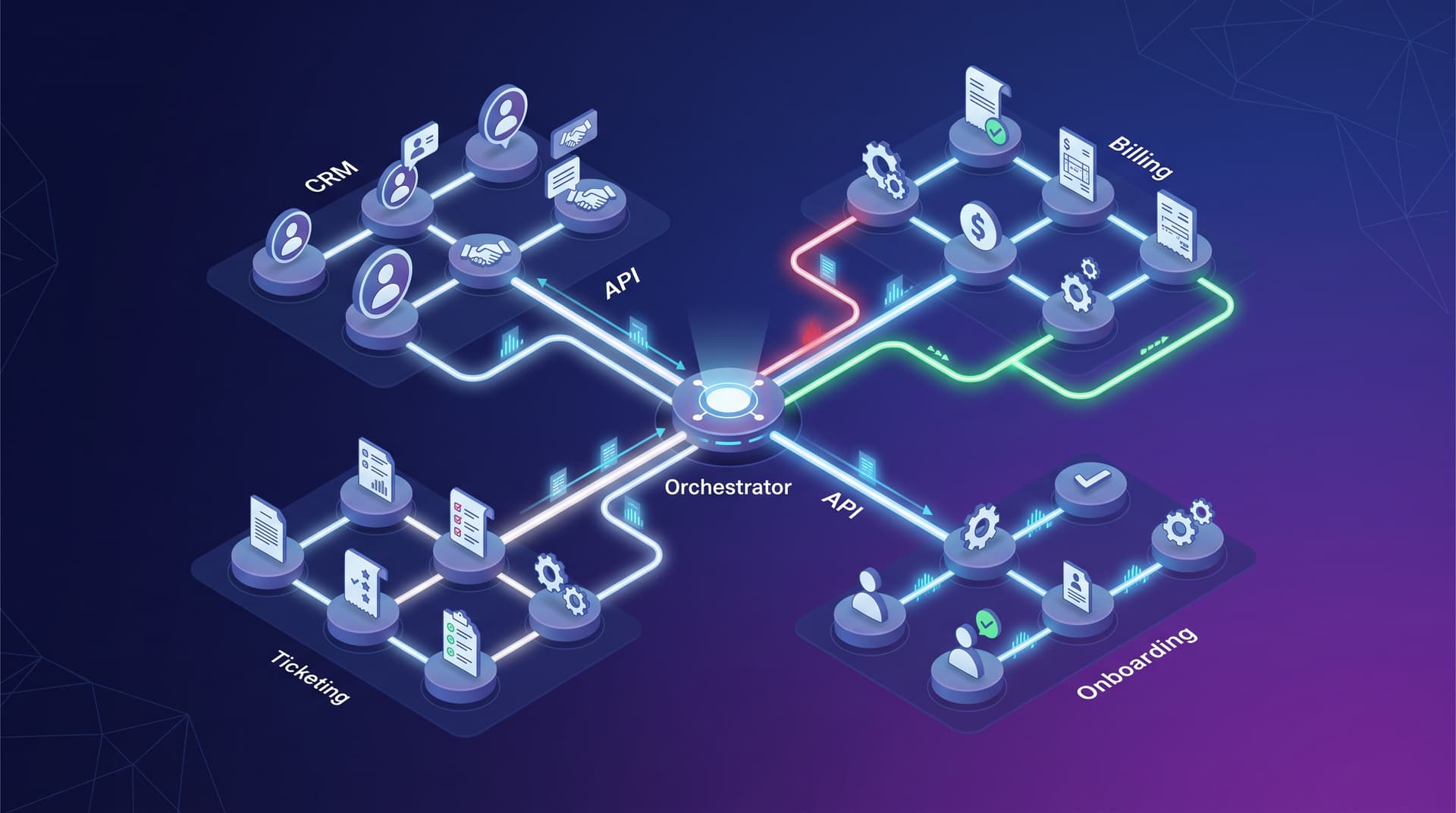
Modern enterprise IT relies on an interconnected ecosystem of line-of-business applications. From Professional Services Automation (PSA) tools and Customer Relationship Management (CRM) platforms to core accounting ledgers and identity providers, organizations need data and processes to flow seamlessly across organizational boundaries. However, as business workflows cross system boundaries, naive integration approaches—such as unmonitored scripts or brittle UI automation—frequently lead to silent failures, duplicate records, and out-of-sync state.
Achieving true operational resilience requires a transition from isolated script execution to orchestrated cross-system automation. By establishing direct API integrations, enforcing strict transaction idempotency, and implementing automated failure handling, enterprises can construct reliable workflows that scale without manual intervention.
API-First Orchestration vs. UI Bots: Selecting the Right Integration Interface
When designing automated workflows across ticketing, billing, and provisioning platforms, architectural teams must select the appropriate interface mechanism. The two primary paradigms are API-driven orchestration and UI-based Robotic Process Automation (RPA).
Direct API Integration
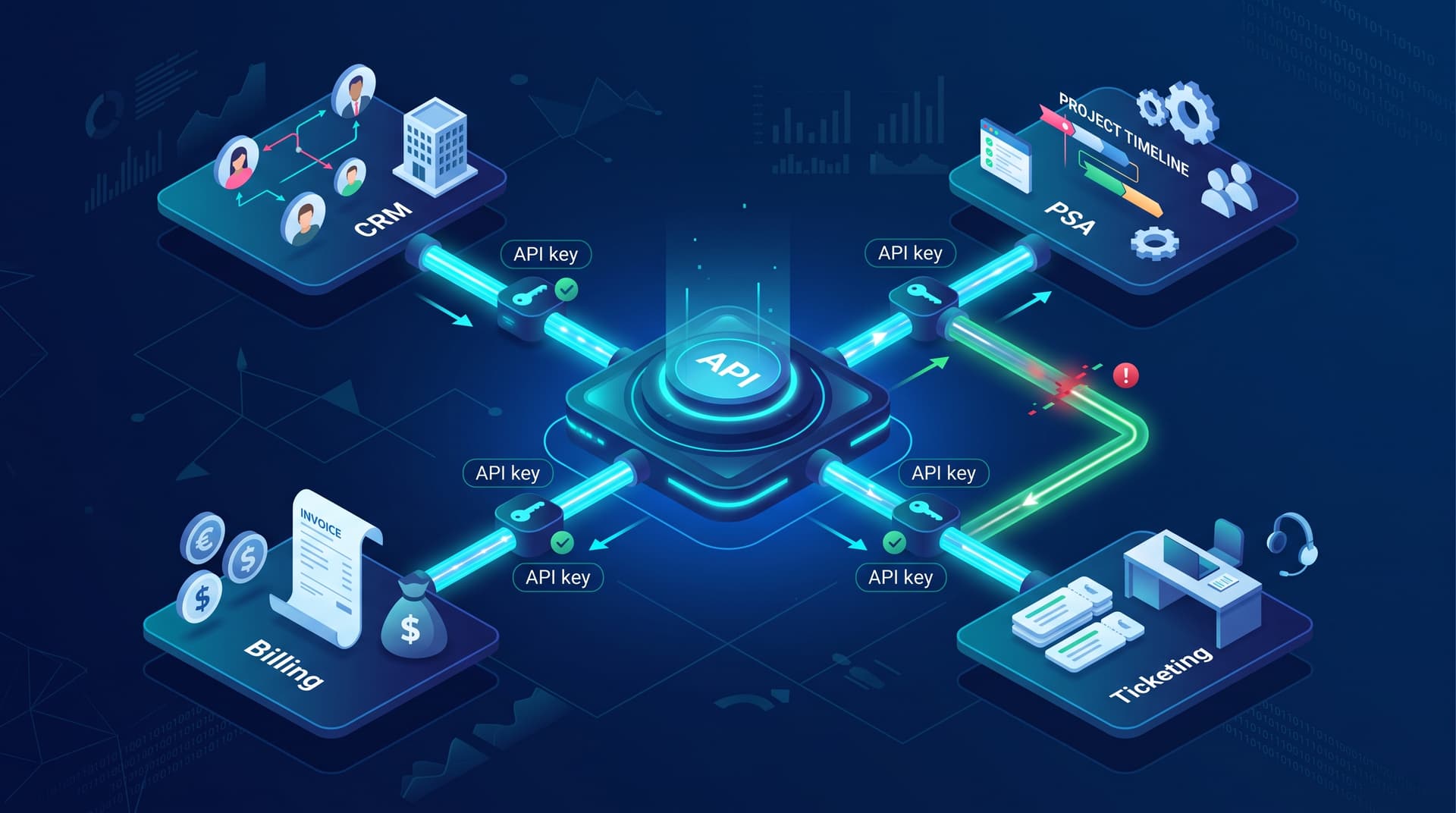
API-first orchestration communicates directly with application backend services using structured protocols such as REST, GraphQL, or webhooks.
- Deterministic Reliability: API calls rely on explicit request structures, deterministic status codes, and JSON/XML payloads rather than visual DOM elements.
- Execution Speed: Server-to-server HTTP calls execute in milliseconds, allowing complex multi-system steps to execute in near real-time.
- Transactional State Management: APIs naturally support state verification, header-based routing, and explicit payload validation.
UI-Based Automation (RPA)
UI bots emulate human interaction by driving graphical interfaces, clicking buttons, and scraping screen text.
- Legacy Compatibility: RPA excels when connecting legacy mainframes or on-premises systems that lack open REST APIs or webhooks.
- Fragility: UI automations break easily when application layouts change, DOM IDs update, or rendering speeds fluctuate.
- Resource Overhead: Executing UI flows requires spinning up virtual desktop sessions, consuming significantly higher computational resources than lightweight API calls.
For modern cross-system orchestration, API integrations serve as the primary foundational layer. UI bots should be reserved specifically for legacy edge cases where no native endpoints exist. Organizations interested in evaluating legacy interface conversion can explore Bitscaled Robotic Process Automation alongside core Workflow Automation Services.
Guaranteeing Reliability Through Idempotency
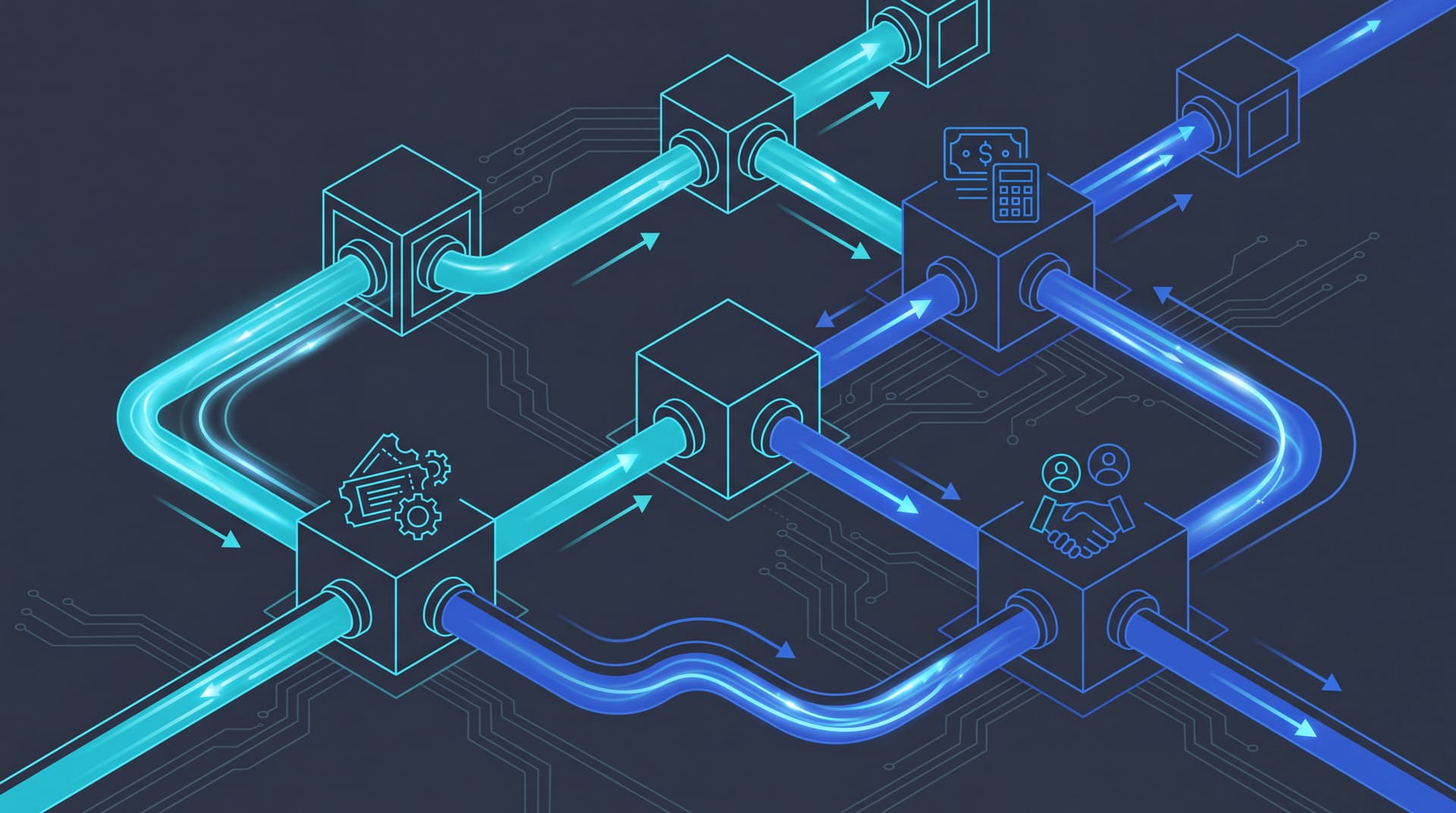
In distributed systems, networks are inherently unreliable. HTTP connections time out, services temporarily drop, and webhook delivery engines retry unacknowledged requests. Without proper safeguards, retrying a transient failure can result in duplicate invoices, duplicate service tickets, or over-provisioned user licenses.
Idempotency is the property of an operation where executing it multiple times produces the exact same system state as executing it once. Implementing idempotency across cross-system workflows prevents duplicate side effects during retries.
Key Strategies for Idempotent Workflow Design
- Deterministic Idempotency Keys: Assign every incoming workflow trigger a unique header or payload identifier, such as
idempotency-key: evt_onboard_8f93a12. When an API endpoint receives a request, it checks whether that key has already been processed in its state store. If present, it returns the cached response rather than re-executing the operation. - Natural Business Keys: When third-party APIs do not support explicit custom header keys, query target systems using natural unique attributes—such as the customer's tax ID, contract GUID, or primary domain name—before issuing write commands.
- Atomic State Transitions: Store execution progress in a central database or orchestration log. Ensure state transitions (e.g.,
PENDING,IN_PROGRESS,COMPLETED,FAILED) update atomically to prevent racing worker threads from processing the same event twice.
Takeaway: Never assume an automated API payload arrives only once. Designing every write endpoint with explicit idempotency keys ensures that network retries heal temporary glitches rather than corrupting financial or ticketing ledgers.
Failure Notification, Retry Policies, and Exception Routing
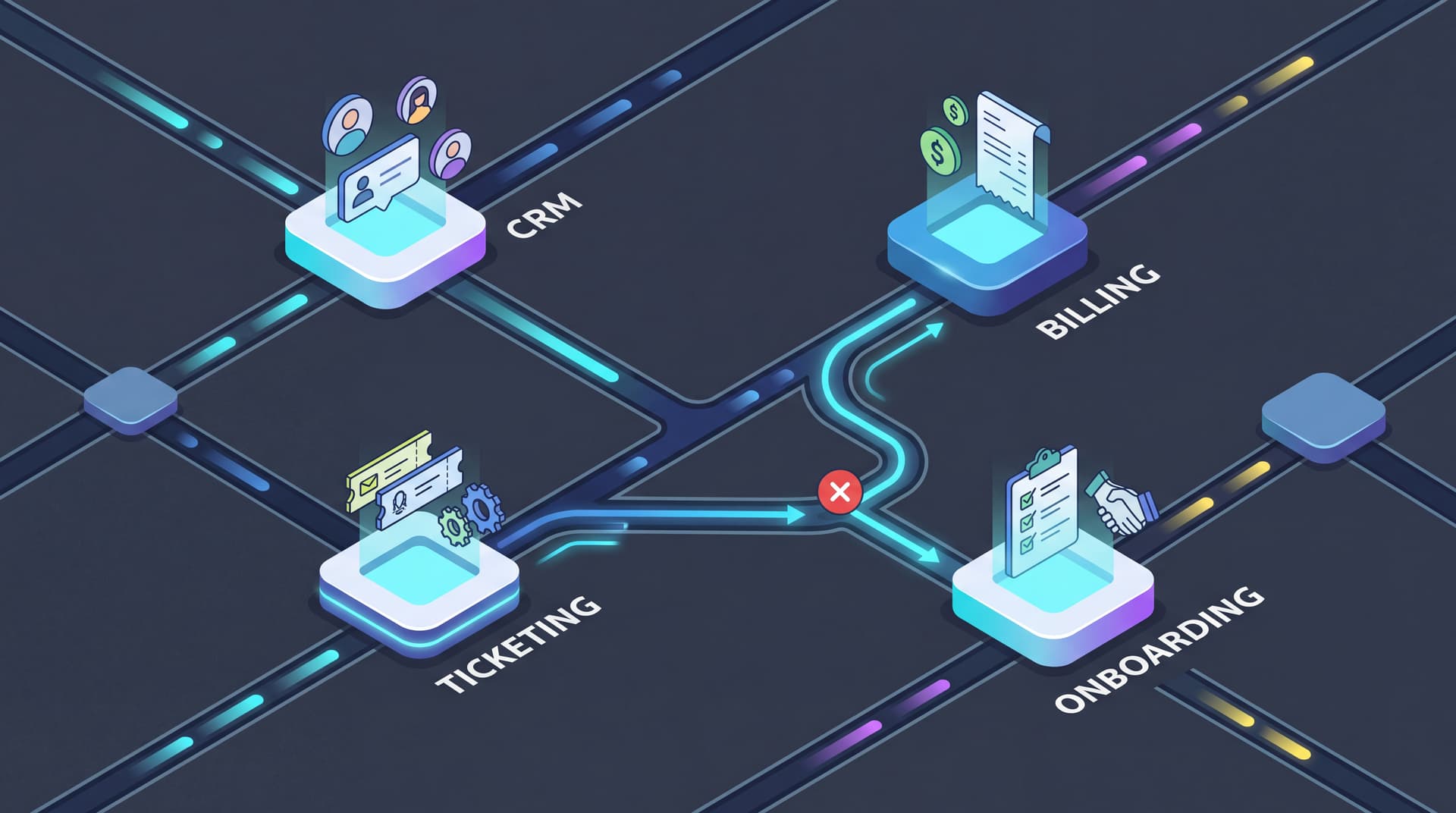
Even the most robust API integrations encounter upstream downtime, rate limits, and schema mismatches. A production-ready orchestration framework must differentiate between transient glitches and permanent validation errors.
| Failure Type | Root Cause Examples | Recommended Orchestration Action |
|---|---|---|
| Transient Error | 503 Service Unavailable, 429 Rate Limit, Network Timeout | Exponential backoff retry with random jitter |
| Validation Error | 400 Bad Request, Missing Required Field, Schema Mismatch | Route payload to Dead-Letter Queue (DLQ) & alert owner |
| Authentication Error | 401 Unauthorized, Expired OAuth Token | Trigger token refresh, pause queue, alert Ops team |
| Dependency Failure | Target database locked, Downstream CRM down | Circuit breaker trip, queue execution until health check passes |
Designing Dead-Letter Queues (DLQ) and Alert Escapes
When an execution exhausts its max retry count (e.g., 5 attempts over 15 minutes), the workflow engine must capture the execution state, original payload, and failure log, then route the task into a Dead-Letter Queue.
Automated alerts should notify administrators through operational channels—such as opening an incident via Bitscaled Ticket Management or triggering real-time incident routing—allowing human operators to inspect, fix, and re-replay failed workflows without data loss.
Practical Walkthrough: Orchestrating Onboarding Across CRM, PSA, and Billing
To illustrate how these principles operate in a production environment, consider an enterprise onboarding workflow that spans CRM, Professional Services Automation (PSA), accounting, and identity management systems.
Step 1: Trigger Ingestion and Payload Contract Validation
The workflow begins when a deal reaches "Closed-Won" status in the CRM. The CRM emits a secure webhook payload containing the contract details, client metadata, and primary contact information.
- The orchestration gateway intercepts the webhook, verifies signature tokens, and extracts the unique deal identifier (
deal_98241). - The engine validates the payload schema against expected field structures. If mandatory fields like billing email or tax ID are missing, the process immediately halts and routes a missing-data ticket to the sales operations team.
Step 2: Idempotent Account Creation in Financial Billing Systems
With a validated payload, the orchestration engine executes the financial setup step against the enterprise accounting platform.
- The orchestrator sends a
POST /v1/customersrequest supplying the idempotency keyidempotency_key: deal_98241_billing. - If the billing API has already processed this exact key, it returns the existing
customer_idwithout creating duplicate accounts or double-billing subscriptions. - Upon success, the returned
customer_idand contract status are saved into the orchestration context for downstream steps.
Step 3: Identity Provisioning and PSA Project Kickoff
Once the customer account is confirmed in the billing platform, the engine executes parallel tasks to initialize identity credentials and project workspaces.
- Identity & Licensing: The engine invokes cloud identity management endpoints to create administrator tenant accounts and assign required software licenses.
- PSA Ticket Generation: The engine issues an API call to the PSA platform to auto-generate an onboarding project board, assign delivery milestones, and populate initial setup tickets.
- Each API payload includes natural key parameters (
client_domain,contract_id) to ensure that if a retry occurs mid-execution, duplicate PSA tickets are prevented.
Step 4: Exception Handling, Telemetry Logging, and Alert Routing
Throughout execution, the orchestration engine logs telemetry data to track performance and catch downstream anomalies.
- If the PSA platform returns an HTTP 500 error during project creation, the engine engages an exponential backoff schedule (retrying after 10s, 30s, 120s).
- If retries are exhausted, the workflow marks the transaction state as
PARTIAL_SUCCESS_DLQ, logs the completed billing IDs, and creates an automated escalation ticket in Bitscaled Command Dashboard. - Engineers can review the exact API response payload, fix the target service condition, and trigger a single-click replay from the exact point of failure.
Evaluating Workflow Maturity in Enterprise Architecture
Organizations can evaluate their current workflow practices against this qualitative staging model to identify operational risks and build an optimization roadmap:
- Stage 1: Fragmented Manual Entry: Staff manually copy-paste customer details across CRM, billing, and ticketing tools. High error rate and zero execution tracking.
- Stage 2: Point-to-Point Scripts: Custom developer scripts run on cron schedules without retry logic or central logging. Silent failures and duplicate records occur frequently.
- Stage 3: Centralized API Orchestration: Workflows utilize API gateways, standard error trapping, and structured retries. Multi-system processes run automatically with basic logging.
- Stage 4: Resilient Event-Driven Architecture: Fully idempotent cross-system orchestration with automated dead-letter queues, real-time telemetry, and proactive exception routing.
By upgrading integration architecture from point-to-point scripts to event-driven orchestration, enterprise teams eliminate friction, ensure accurate billing, and scale support operations smoothly.
Building Resilient Automation with Bitscaled
Designing multi-system orchestrations requires deep expertise in API design, transactional state management, and enterprise integration patterns. Bitscaled provides the platform tools and architectural expertise needed to eliminate operational bottlenecks.
Whether you are consolidating PSA tools, syncing financial platforms, or building automated customer onboarding pipelines, Bitscaled helps you design fault-tolerant workflows that protect data integrity.
Map your highest-friction workflows with Bitscaled automation architects to transform your operations with resilient, API-first cross-system orchestration.